Beta
Annota: mark up the web like it’s paper.
Draw, highlight and point on any web page or PDF, present it to a class, and turn what you collect into notes, worksheets and flashcards.
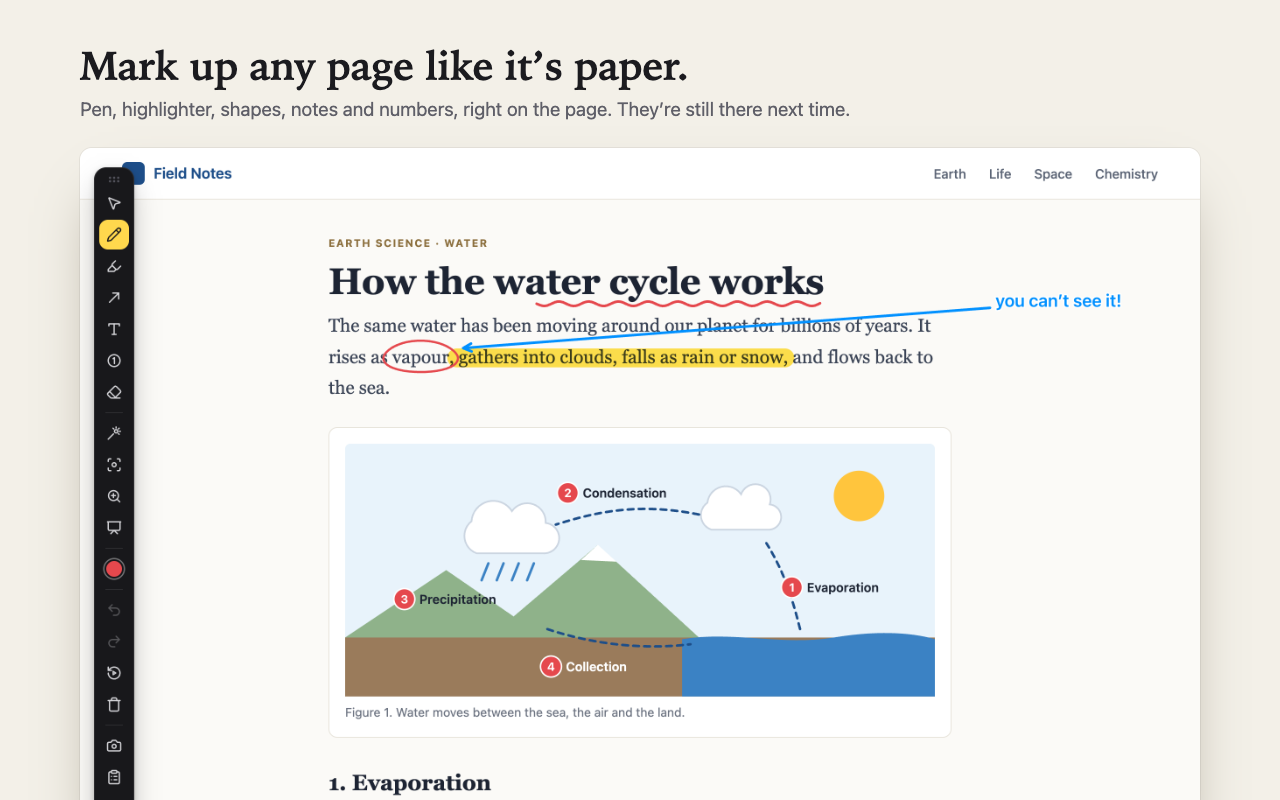
Everything a lesson needs, on the page itself
No screenshots pasted into another app, no retyping. Turn Annota on with its icon or Alt+Shift+D, and every tool is one key away.
Draw and highlight
- Pen, highlighter, arrows, boxes, circles, text notes and numbered markers
- Draw a rough line or circle and hold still: it straightens itself out
- Drawings stay on the page and come back next time
Present
- A laser pointer and disappearing ink your class can see in a video call
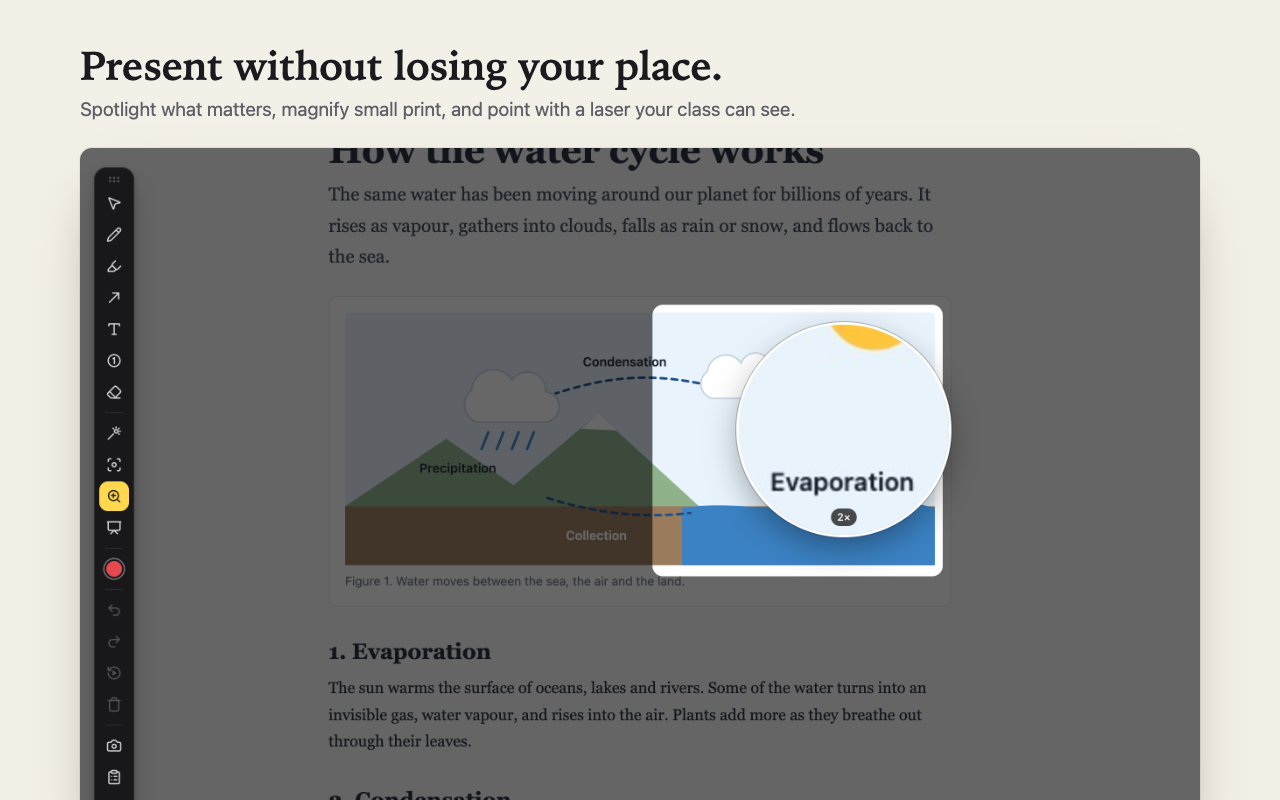
- Spotlight what matters, magnify small print
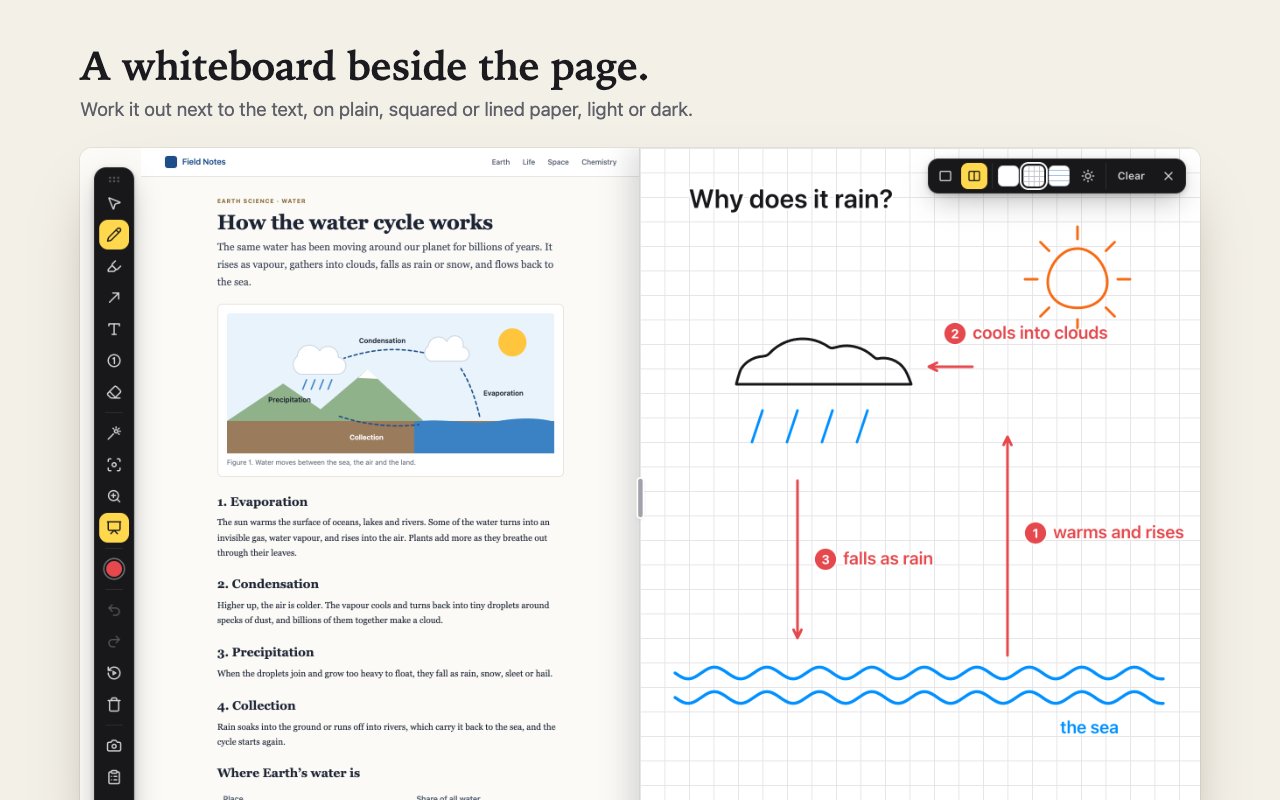
- A whiteboard over the page, or beside it
- Replay your drawings one step at a time
Collect and make notes
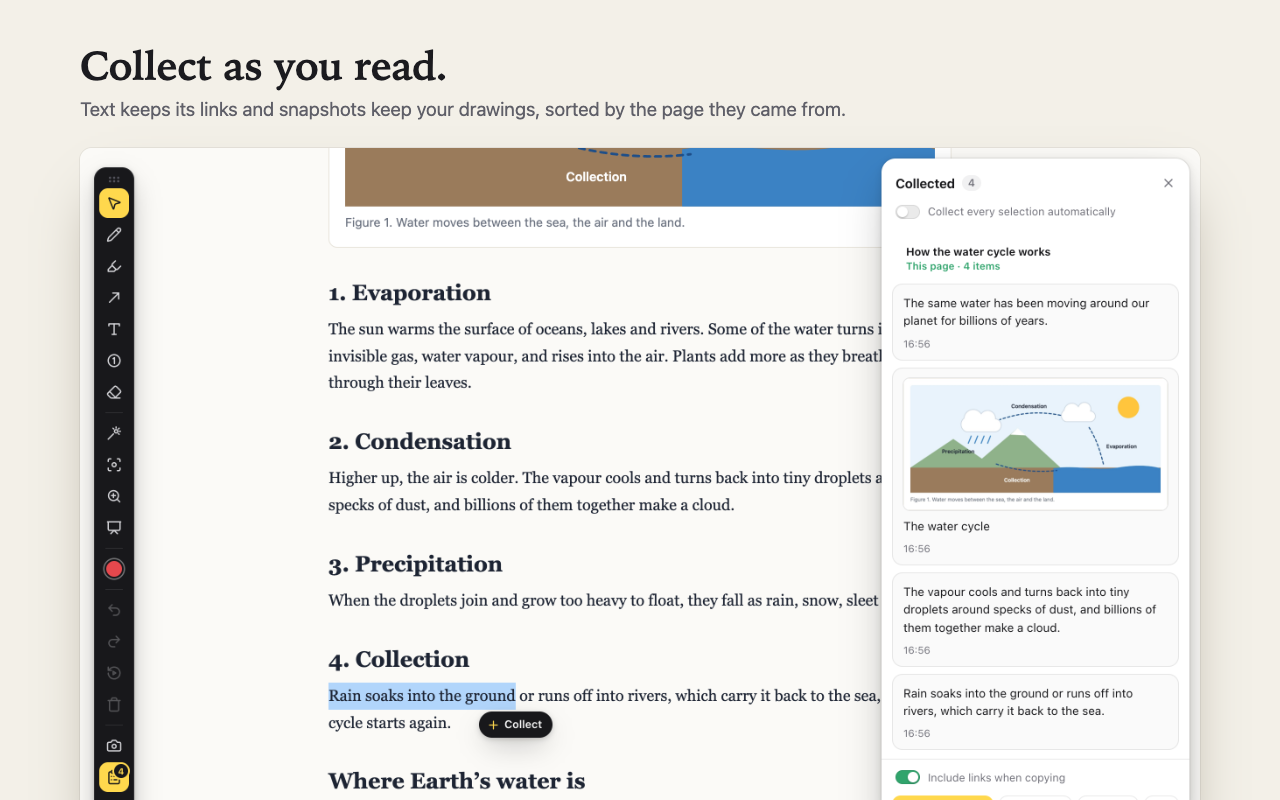
- Collect text with its links, and snapshots with your drawings on them
- Combine pages into notes with headings, tables, pictures and YouTube clips
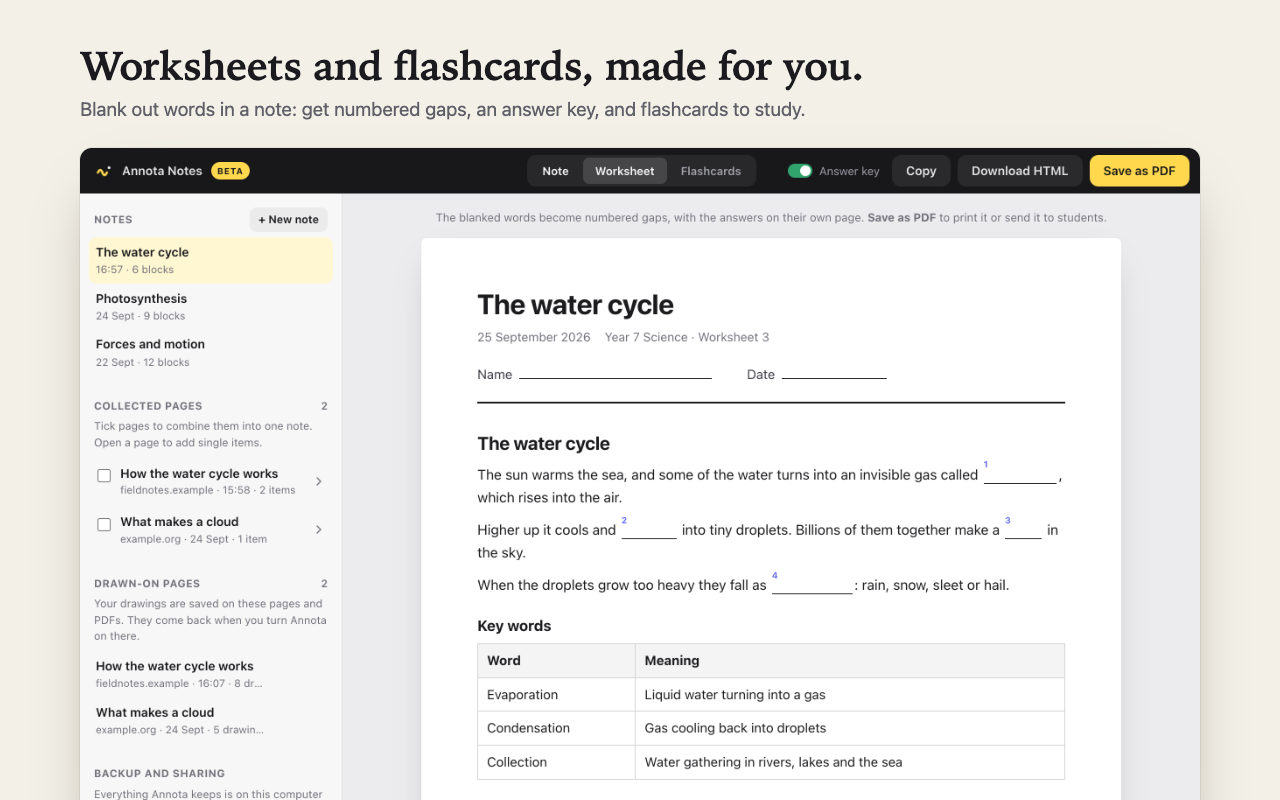
- Blank out words for a worksheet with an answer key, or flashcards to study
PDFs, backups and sharing
- Draw on PDFs, search them, and download a copy with your drawings
- Back up everything to one file, and move it to another computer
- Share a prepared lesson with a colleague as a file
Free while it’s in beta
Everything in Annota is free until the beta ends. After that, the basics stay free for good, and Annota Pro adds the tools for teaching.
Free
Always
- Pen, highlighter, shapes, text and numbers
- Laser pointer, spotlight and zoom lens
- Collecting, notes and PDFs
- Drawings saved on pages
- Backups
Annota Pro
$4 a month or $36 a year · ₹149 a month in India · 7-day money-back
- Worksheets and flashcards
- The whiteboard
- Replay
- Sharing lessons
Your work stays with you
Everything you make with Annota stays in your browser, on your computer. There’s no account and no tracking. Read the privacy policy.